About this film
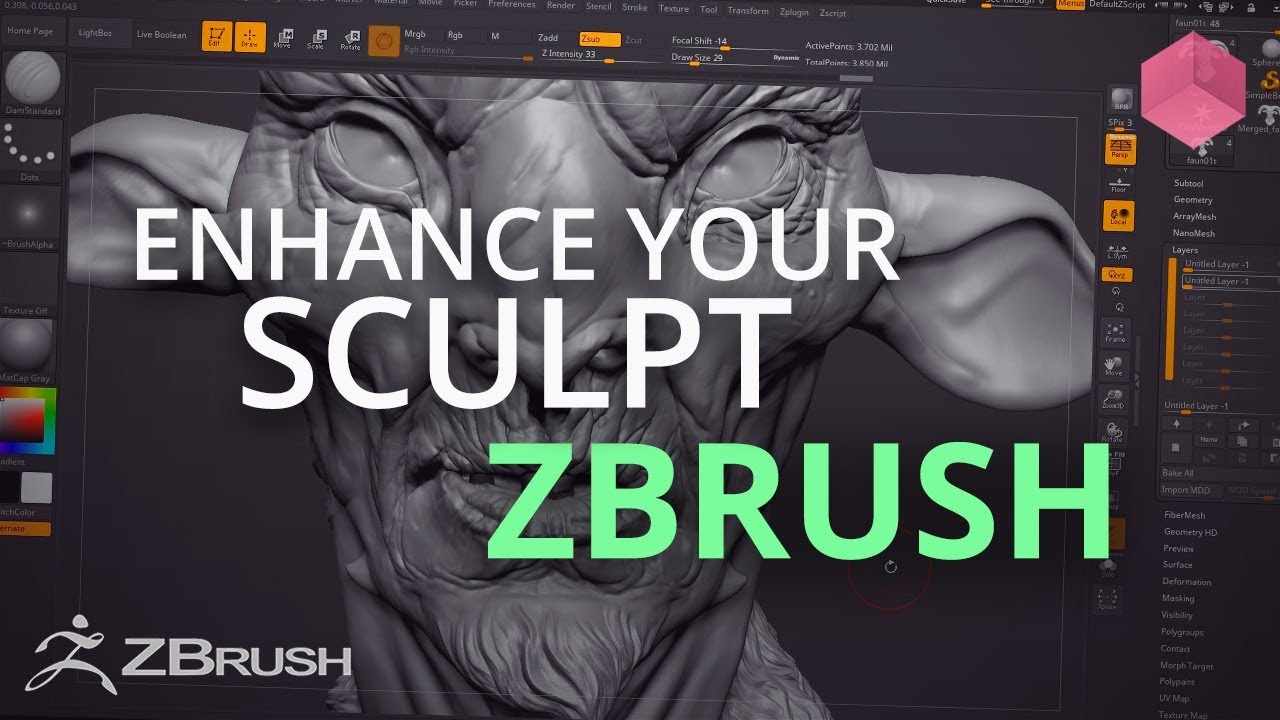
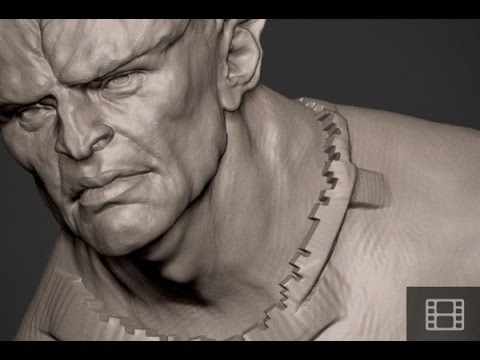
In this tutorial we'll take a look at how you can quickly shrink and grow your selection in ZBrush.
We hope you enjoyed this tutorial, make sure to follow the links below for even more content.
Website - https://flippednormals.com/
Facebook - https://www.facebook.com/flippednormals
Twitter - https://twitter.com/flippednormals
Vimeo - http://vimeo.com/flippednormals
Subscribe now to stay up to date with future videos!
https://www.youtube.com/c/FlippedNormals?sub_confirmation=1
Was this helpful?
Your feedback helps us decide what to write next.
Thanks — noted.